
Twitch in your bio
Live now? Send them in.
Your Twitch on top, then the Discord, the clips and the tip jar. One link for every bio and every panel.
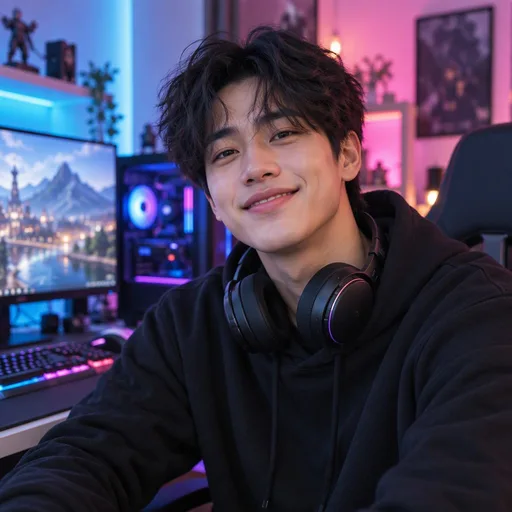
Jay Park
Variety streamer · speedruns · live Mon/Wed/Fri 8pm 🎮
Built for Twitch streamers.
1
The live button stands out
Feature “Watch live” in your accent color so nobody has to hunt for the stream.
2
Twitch, built in
Type your username and you get the button, the right icon and its own click count.
3
See what gets tapped
How many people tap your Twitch button, next to your page's daily views, countries and the apps visitors came from.
Looks that fit
See all templates →Jay Park
Variety streamer · speedruns · live Mon/Wed/Fri 8pm 🎮
Onyx
Black page, hairline pills.
Jay Park
Variety streamer · speedruns · live Mon/Wed/Fri 8pm 🎮
Classic
White page, black pills. Never wrong.
Jay Park
Variety streamer · speedruns · live Mon/Wed/Fri 8pm 🎮
Sand
Warm sand, espresso buttons, soft serif.
Live in a minute
- 1Claim your namemybiomylink.fan/yourname — free, forever.
- 2Add what mattersLinks, socials, players and an email signup. We name the buttons for you.
- 3Put it in every bioInstagram, TikTok, YouTube, X — or print the QR code.
Questions
Can a link appear only while I'm streaming?+
Schedule it for your stream times; it shows up and disappears on its own.
How do I add Twitch?+
Add → Social profile → Twitch, then type your channel. You can also paste the full link as a normal button.
Is mybiomylink.fan free?+
Yes — every template, analytics, players, scheduling and email capture. No credit card.
Can I change my template later?+
Anytime. Your links stay put; only the look changes.
Your link is waiting.
Claim it before someone else does — free, in a minute.
More link-in-bio guides
Every app you can add
Cash AppVenmoPayPalPatreonKo-fiBuy Me a CoffeeGoFundMeSubstackGumroadShopifyKickDiscordSteamVimeoSpotifyApple MusicYouTube MusicSoundCloudBandcampApple PodcastsFacebookTelegramWhatsAppSignalBlueskyMastodonRedditTumblrGitHubBehanceDribbbleMediumCalendlyApp StoreGoogle PlayStravaGoodreadsLetterboxdhello.fanstore.fanmarket.fanmytop.fan
Creators
Businesses & pros
By platform
Instagram bio linkTikTok bio linkOnlyFans linkFansly linkOnlyFans on InstagramOnlyFans on TikTokOnlyFans promotionOnlyFans agenciesOnlyFans + FanslyFansly for streamersAdult creatorsWhatnot linkAmazon WishlistAmazon StorefrontLinktree alternativeYouTube link in bioThreads bio linkLinkedIn profile linkX (Twitter) bio linkSnapchat linkPinterest link