
 Plans & cut listsTools I use
 This video's sponsorSupport on Patreon
Your latest upload plays right on the page, sponsors and merch sit below, and you stop updating ten descriptions every time something changes.
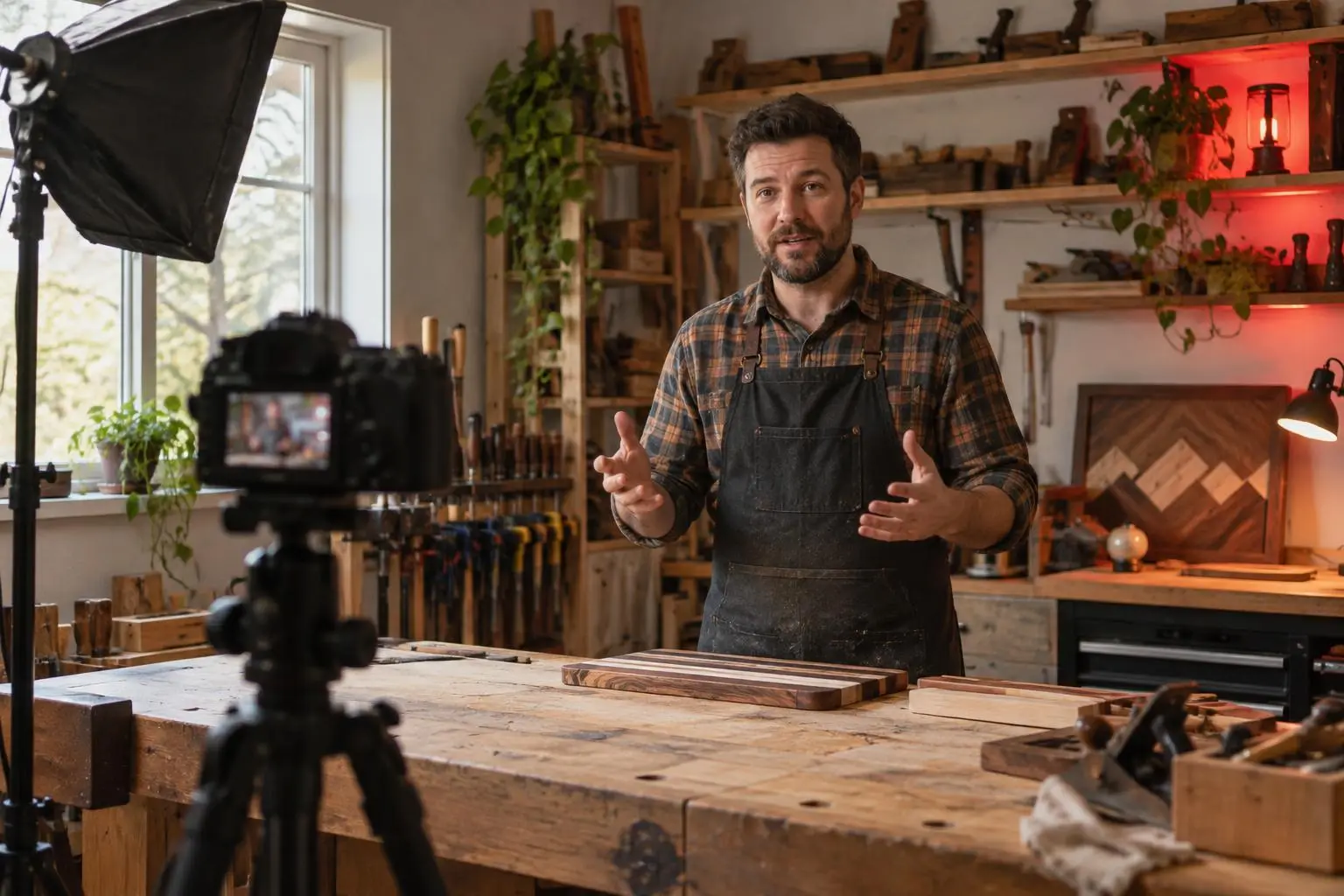

Woodworking for people with small apartments · new video Thursdays
Plans & cut listsTools I useThis video's sponsorSupport on PatreonPaste the link and choose “Add as a player” — viewers watch without leaving.
Change sponsors and merch on your page; old videos keep pointing at the right place.
Show sponsors exactly how many clicks their link got, by day and country.
Woodworking for people with small apartments · new video Thursdays
Plans & cut listsTools I useThis video's sponsorSupport on PatreonWoodworking for people with small apartments · new video Thursdays
Plans & cut listsTools I useThis video's sponsorSupport on PatreonWoodworking for people with small apartments · new video Thursdays
Plans & cut listsTools I useThis video's sponsorSupport on PatreonIn your channel's About → Links, the banner links and every video description.
Yes — paste a YouTube or Shorts link and add it as a player.
Yes — every template, analytics, players, scheduling and email capture. No credit card.
Anytime. Your links stay put; only the look changes.
Claim it before someone else does — free, in a minute.